Install the browser extension
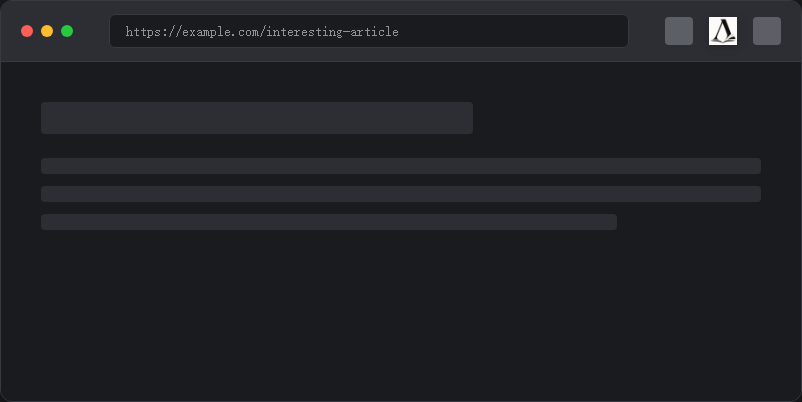
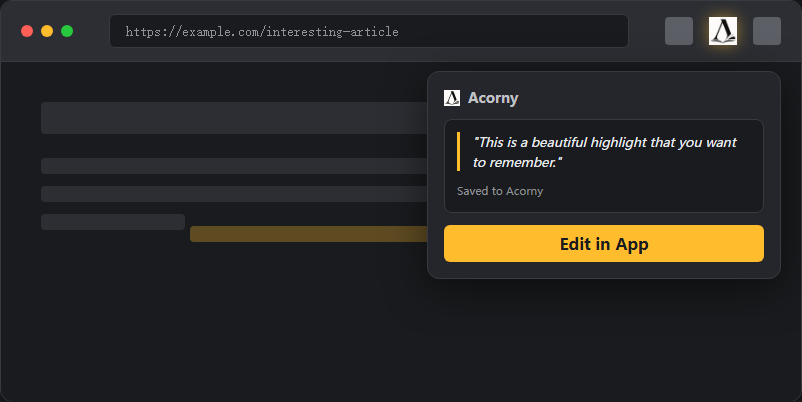
Start by adding Acorny to your browser from the Chrome Web Store, Firefox Add-ons, or Microsoft Edge Add-ons. Pin the extension to your toolbar if your browser hides new extensions by default. Signing in before or after installation both work, but signing in first makes the first save easier because the extension can connect to your existing Acorny session.
After installation, open any article, documentation page, blog post, or essay that contains text you may want to remember. Acorny is built for web pages first, so the quickest test is a normal page with selectable text rather than a PDF viewer or an embedded document.
Read the browser extension guide